
How FilmGen Works
Six specialized AI agents collaborate in sequence. Each step feeds into the next, producing a polished cinematic video from your music.
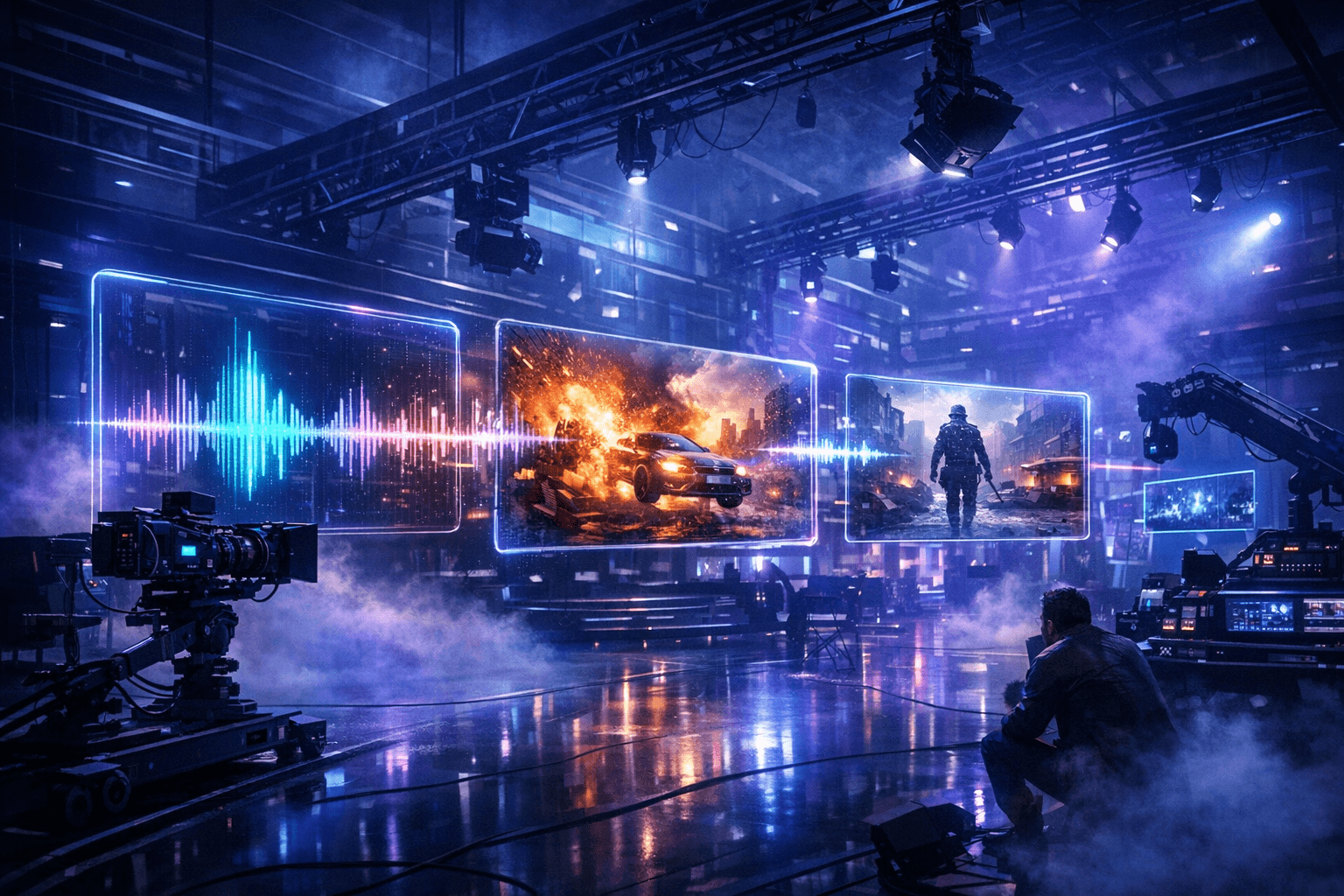
Upload Your Track
Drop in any audio file — MP3, WAV, FLAC. Add optional reference images for character consistency. The system accepts up to 14 reference images per project.
AI Analyzes Your Music
Gemini extracts the musical DNA — BPM, key, mood, energy curve, vocal segments, and structural markers. ElevenLabs or Azure Speech aligns lyrics word-by-word.
Visual Treatment Created
Based on the analysis, the AI creates a full art direction document: color palette, camera style, scene descriptions, character notes, and per-scene visual prompts.
Scene Images Generated
GPT Image 2 generates character-consistent stills for each scene, using reference images with high-fidelity mode for strong identity preservation.
Videos Come to Life
SORA-2 (or Veo 3.1) animates each still into cinematic video clips. Scene images are resized and fed as input references for smooth, consistent motion.
Quality Review & Export
Every clip is scored on composition, motion, and prompt adherence. Failures auto-regenerate. Once approved, clips are assembled with audio into the final video.
Ready to Try It?
Upload a track and watch the pipeline transform it into cinema.